What you get
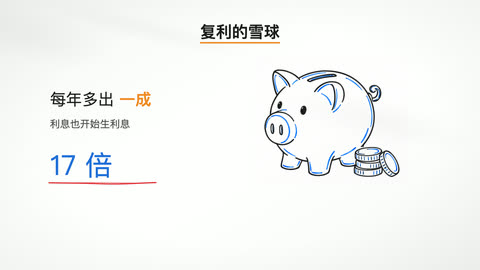
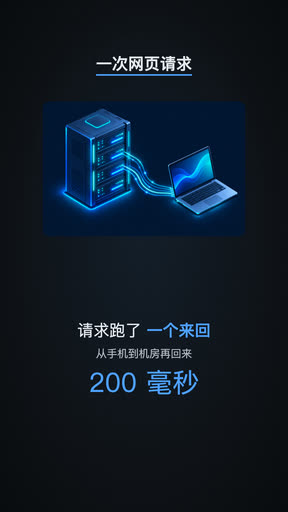
One ZIP: the mp4 (plus a copy without subtitles if you burned them in), an srt subtitle file, the narration script, publishing notes and every page's image. Portrait 1080×1920 suits Douyin and WeChat Channels; landscape 1920×1080 suits horizontal platforms.
How it's made
- An AI director splits the topic into pages by length and writes each page's visuals and narration: about 4 pages for 30 seconds, about 30 for 10 minutes.
- Each page gets one image; if you picked a voice, the narration is voiced line by line.
- An AI artist animates each page; a program checks layout and visuals and sends failing pages back, up to 3 drafts per page.
- Once every page is done, the video is rendered to mp4, subtitles are burned in if you chose them, and everything is packed for download.
What you can choose
- Length: 30 seconds, 1 minute, 5 minutes or 10 minutes (a target; the final video decides)
- Orientation: portrait 9:16 or landscape 16:9
- Style: Notebook, Chalkboard, Dark tech, Warm story, Whiteboard
- Voice: pick one of the available voices, or no voice and subtitles only; subtitles can be burned in or left out
- Language: Chinese or English
- Documents: up to 10 PDF, Word, PowerPoint, Markdown, plain-text or image files for the director to work from
How it differs from generative video
The model doesn't generate the video itself: an image model only draws illustrations, while titles, key points and numbers are typeset by a program and animated to the narration. Text on screen stays sharp with no garbled characters, and the whole video keeps one consistent style.
How you pay
When you submit, credits for every step are held, and you see the amount first; attached documents count by length and number of images. You're charged only once the video is made; if any step ultimately fails, the whole hold is released.
- How long does a video take?
- It depends on length and page count. Rendering starts once every page is drawn and usually takes a few minutes; the job page shows progress page by page.
- Can I start with documents and no topic?
- Yes. Attaching documents alone is enough; the director writes from their content.
- Will the text on screen have typos?
- On-screen text is typeset by a program rather than drawn by an image model, so there are no garbled characters; the illustrations themselves are asked to contain no text.
- Am I charged if the video isn't made?
- No. You're charged only once the video is made; otherwise the held credits are all released.