What you get
One ZIP: the mp4, a cover image cover.jpg, and post copy publish.md (title, body, hashtags). Portrait 1080×1920 suits Douyin, Channels and Xiaohongshu; landscape 1920×1080 suits widescreen platforms. 15 or 30 seconds long.
How it's made
- Write the product name and 1–5 selling points (16 characters each at most), and give 3–12 product photos: straight from a finished image set, or uploaded.
- AI looks at the photos and writes the copy: an opening line, the photo order and captions, the wording of each selling point, a closing line and the post copy. The program checks lengths, counts and banned words, and sends it back if a number appears that you didn't write; if two rounds both fail, your own words are used as is.
- The program lays out the picture by template: it fixes the tempo of the music first, every page is a whole number of beats, and every cut lands on a beat. Colours come from your brand colour, or from the main colour of the photos; text is only black or white, and only when the contrast is high enough.
- Rendered to mp4 with music and sound effects at the same tempo, packed for download.
Three templates
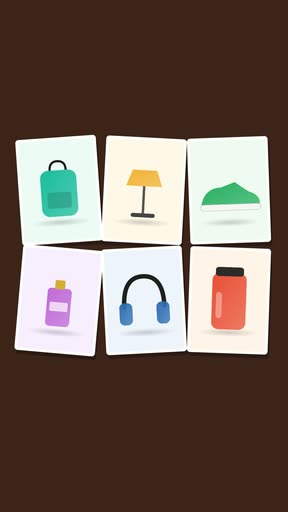
- Photo wall: photos pin up one by one into a wall, the name lands on the downbeat, then one selling point per beat; the 30-second version also shows each photo on its own
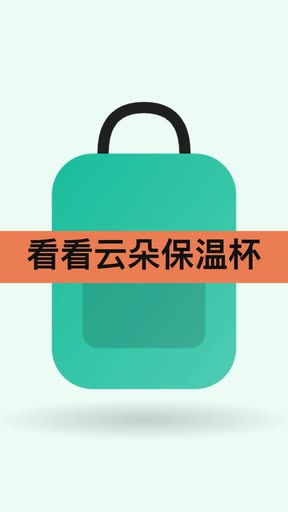
- Quick cuts: a full-screen photo on every beat, big selling points every two beats, half-beat cuts in the middle
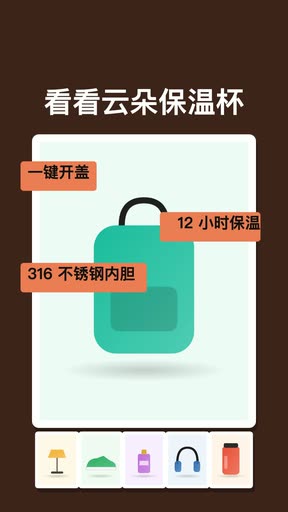
- Spotlight: one hero photo slowly pushes in while selling-point tags drop around it on the beat, the other photos in a row below
What you can choose
- Length: 15 or 30 seconds; shape: portrait 9:16 or landscape 16:9
- Template: photo wall, quick cuts or spotlight, with a preview while choosing
- Music: auto, bright, tech, warm, or none (cuts still follow the beat without music)
- Brand colour (optional) and ending text (optional, up to 20 characters, e.g. a shop name)
Editing text afterwards
The text in the video (name, opening, selling points, captions, closing, ending text) can be edited right on the job page and re-rendered for free; the picture and music stay the same. Up to 20 edits per video in 24 hours.
How it's charged
Credits are held at the estimate when you submit, and you see the number before submitting; it is mostly the AI reading the photos and writing the copy, so more photos cost more. You're only charged once the video is made; if it isn't, every held credit is returned. Editing text afterwards is free.
- What if my product photos have busy backgrounds?
- By default the product is cut out first: it stands on a soft colour block with a contact shadow instead of the whole photo being dropped into a card. Any image that can't be cut cleanly falls back to the original. This runs locally, costs no credits, and can be switched off in the form.
- Will the selling points be exaggerated?
- The selling points in the video come from the ones you wrote; a number you didn't write sends the copy back for a rewrite, and if two rounds both fail your own words are used.
- What if I don't have product photos yet?
- Make a product set with Image sets first, then click “Make a promo video from these” on its result page; the photos come straight across.
- Am I charged if it fails?
- No. You're only charged once the video is made; otherwise every held credit is returned.